
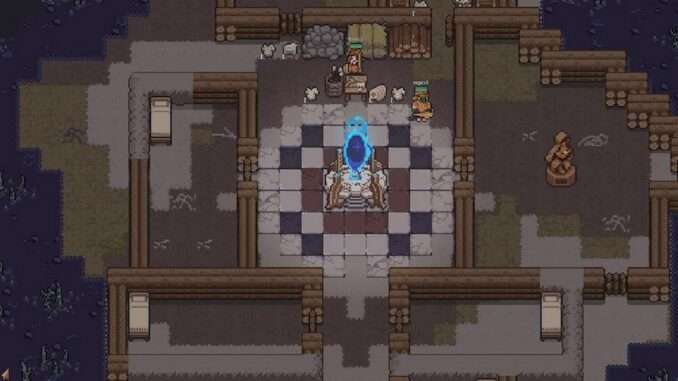
How to Recruit More Than 6 Units
You can exceed the normal 6-unit clan limit by editing your save file and temporarily lowering the recorded population. Before making any changes, back up your save file.
Editing the Save File
- Locate your save file in:
C:\Users\[Name]\AppData\LocalLow\CanOpener\Dungeon Settlers (Beta)\Saves\ - Open the save file with Notepad, VS Code, or another text editor.
- Search for:
CurrentPopulation - Change its value to a number below 6. Setting it to 5 is recommended.
- Save the file and load the save in the game.
- The population count should now be 5, assuming you previously had 6 units.
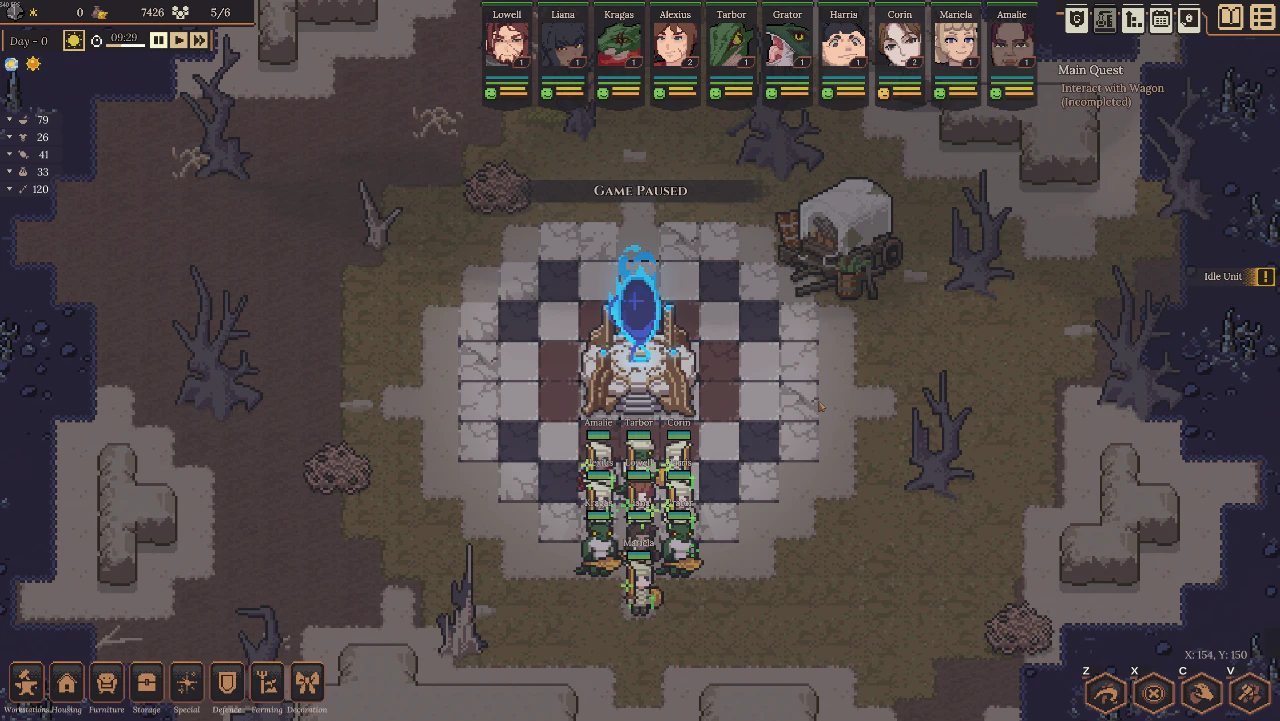
- Recruit another unit. The population count should return to 6, but you will now have 7 units.
- If desired, you can edit
CurrentPopulationagain so that it matches the actual number of units you currently have.
Unit Limit and Potential Issues
The method has been tested with 7 units, and no problems were observed during those runs.
Testing beyond 7 units resulted in strange behavior around 10 units, including disappearing units and malfunctioning Expedition Planners. However, multiple save modifications were being tested at the same time, so the exact cause of these issues was uncertain.
The source indicates that recruiting up to 10 units should be safe, but this was not confirmed through extensive testing. The Expedition Planner bug still applies, so do not exceed 10 units. Make sure your larger clan has enough food and shelter to support everyone.

Be the first to comment