
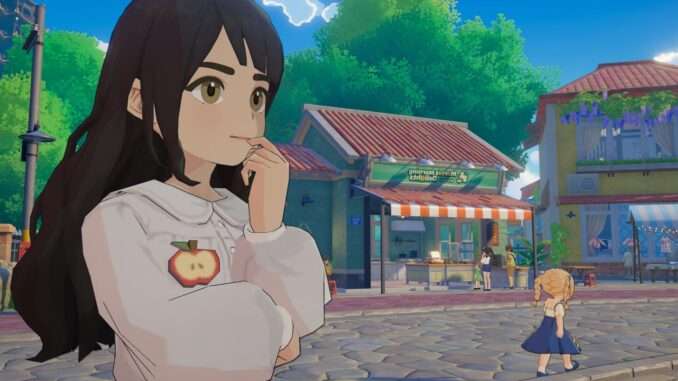
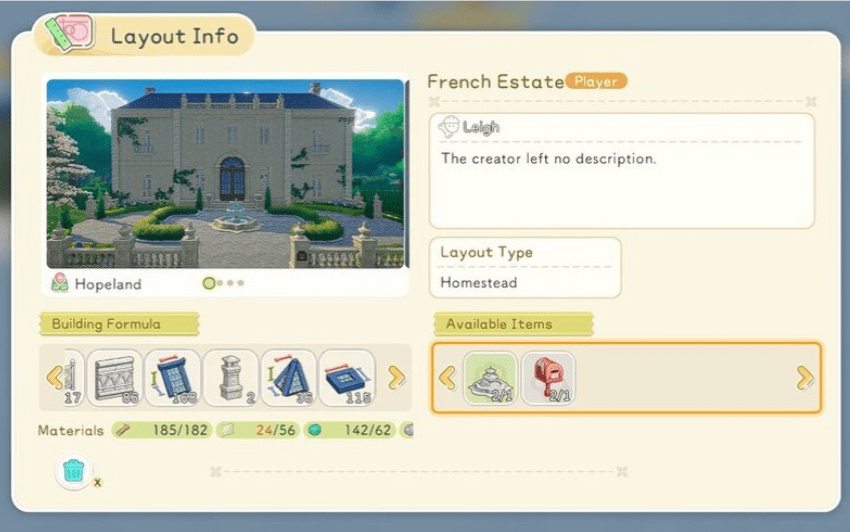
This method allows players to export and import custom homestead layouts, making it possible to share builds with other players.
Important Notes
This is an unofficial method and may carry some risk. The original guide reports no game-breaking bugs during testing, but recommends making backups before modifying files.
Starsand Island is still in Early Access, so file paths and functionality may change. The game may also receive an official layout-sharing feature in the future.
Exporting a Player Layout
- Save your desired layout while in Build Mode.
- Save and exit the game.
- Open your file browser and locate the game’s BluePrint folder.

On Steam Deck, the example path is:
Home > deck > .local > share > Steam > steamapps > compatdata > 2966320 > pfx > drive_c > users > steamuser > AppData > localLow > SeedLab > StarsandIsland > steam > [numbers] > Resource > BluePrint
The exact path may vary depending on your platform and installation. On PC, the path begins from drive_c. If necessary, enable Show Hidden Files in your file browser.
- Open the BluePrint folder. It should contain
.ziparchives with numbered filenames. - The filename indicates when the layout was saved, using the format
YYMMDD-HHMMSS. - Copy the appropriate
.ziparchive and share it as-is. Do not extract or modify the archive.
Importing a Player Layout
- Obtain the
.ziparchive containing the layout. - Copy the archive into your BluePrint folder.
- Launch the game.
The imported layout should appear alongside your other saved player layouts and can be placed like any other homestead layout.
Important Limitations
Imported layouts currently cannot be saved as individual components. Importing and placing a layout will replace the entire homestead rather than adding the build as a separate component.
This means that placing an imported layout will automatically clear existing farm plots and animal hutches.
You must also have the required building materials and items needed to place the layout. If the imported layout contains items you do not own, those items will not appear when the layout is placed.

Be the first to comment