

Transmog Guide
To change or edit your Irisalis’s form at Aniimo Transmog, click the exclamation mark icon and select Transmogrify.
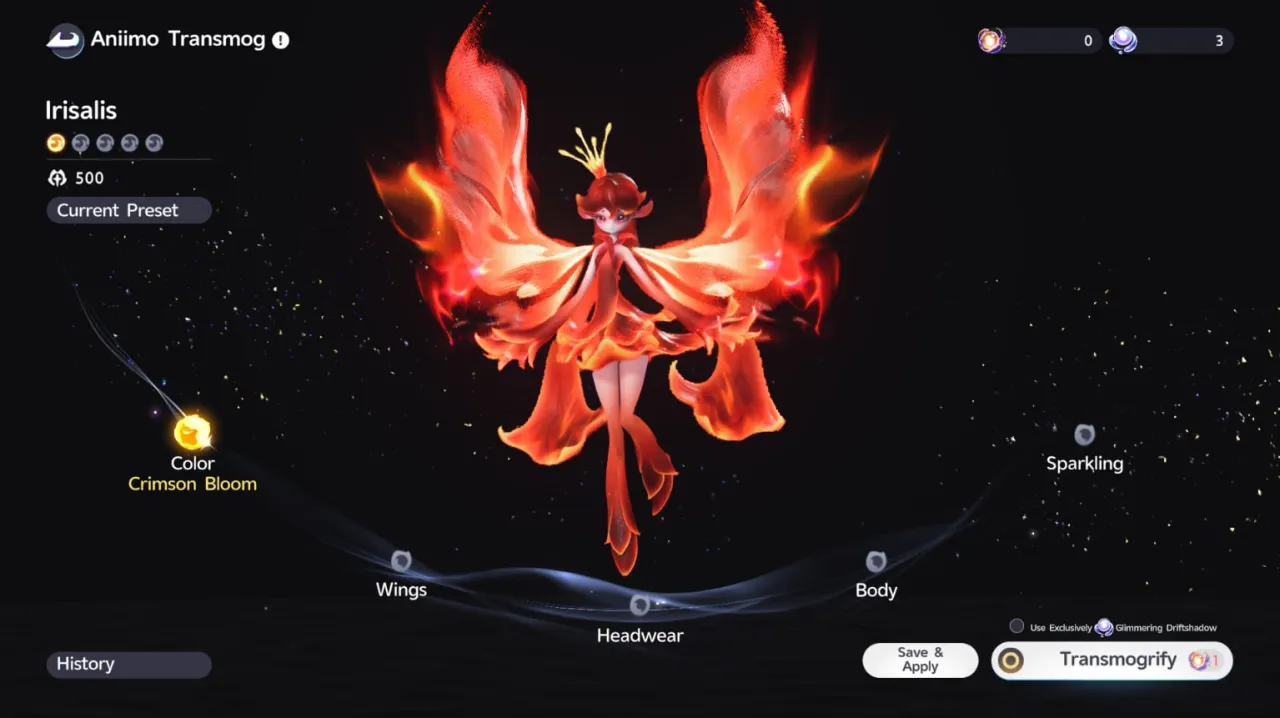
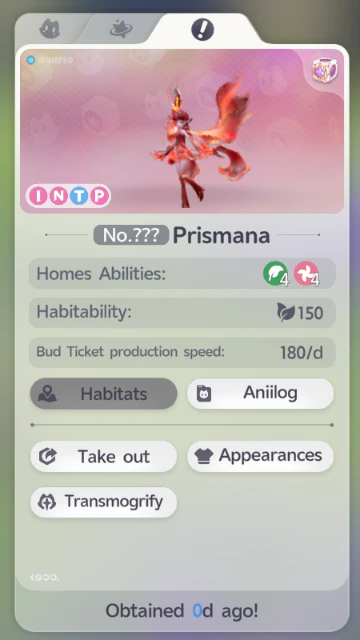
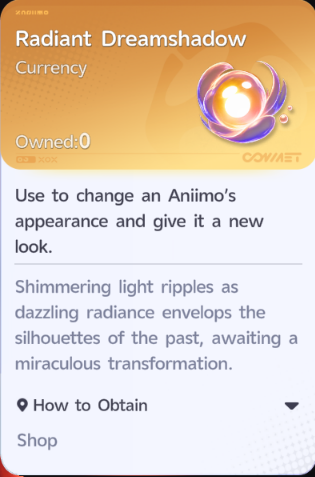
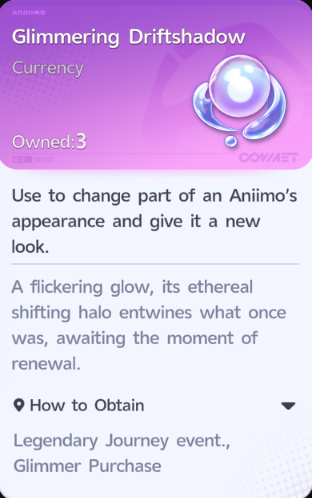
There are two currencies you can use to roll for a new form or variant for each part of your Irisalis:
| Currency | How to Obtain | Uses |
|---|---|---|
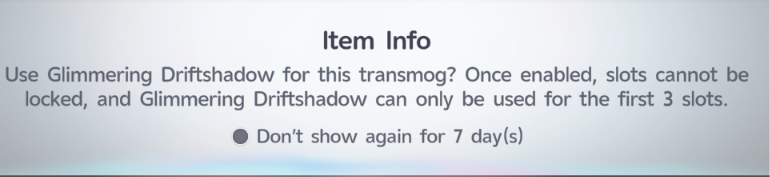
| 🟣 Glimmering Driftshadow | Can be purchased with Glimmer or Irisalis Petals, which can be obtained in-game through events and other activities | Used to unlock Wings, Headwear, and Body. Once Body is unlocked, it cannot be used to reroll Body. |
| 🟡 Radiant Dreamshadow | Can only be purchased with Lumin Crystals, which are bought with real money | Used to unlock and reroll Wings, Headwear, and Body. It also allows you to lock parts while rerolling. |
Unlocking and Rerolling Parts
You need to reroll multiple times to unlock the other parts of your Irisalis:
- Wings
- Headwear
- Body
- Sparkling
Glimmering Driftshadow can be used to unlock Wings, Headwear, and Body, but once Body is unlocked, you need to use Radiant Dreamshadow to reroll it.
Radiant Dreamshadow can be used to unlock and reroll Wings, Headwear, and Body. It also allows you to lock parts while rerolling.
Locking Parts
The lock function can only be used when spending Radiant Dreamshadow.
When using Glimmering Driftshadow, you cannot lock any parts.
The more parts you lock, the more Radiant Dreamshadow you need for each reroll.
Sparkling
The Sparkling part cannot be rerolled directly.
It changes only when your Wings, Headwear, and Body are all part of the same set.

Transmog Progress
The progress bar shows your progress toward unlocking the next part.
Each reroll fills the bar, showing how close you are to unlocking the next part.



Be the first to comment