

White Skull Guide
White Skulls can be increased by removing body parts that provide Red Skulls and replacing them with previously harvested parts that provide White Skulls.
Removing Red Skull Parts
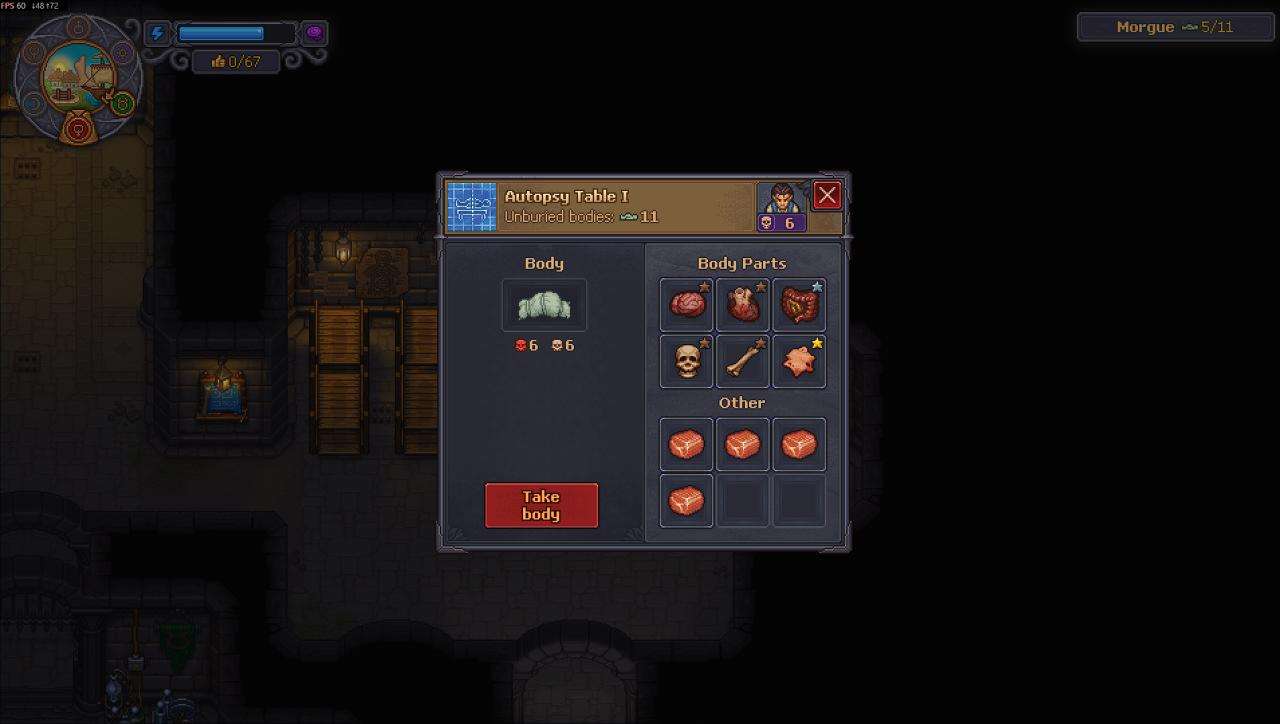
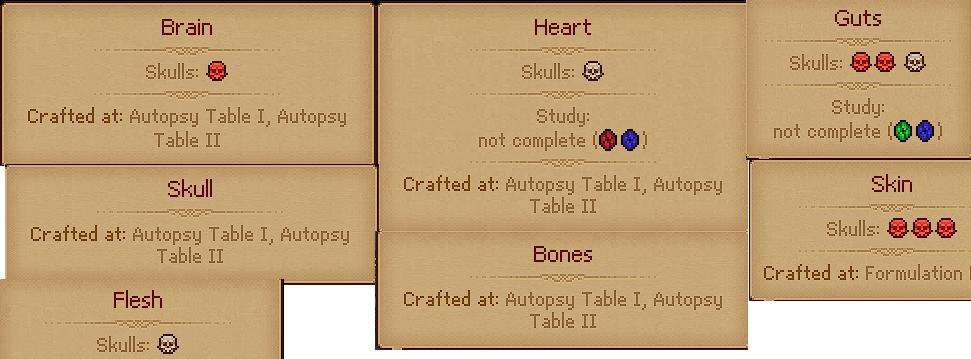
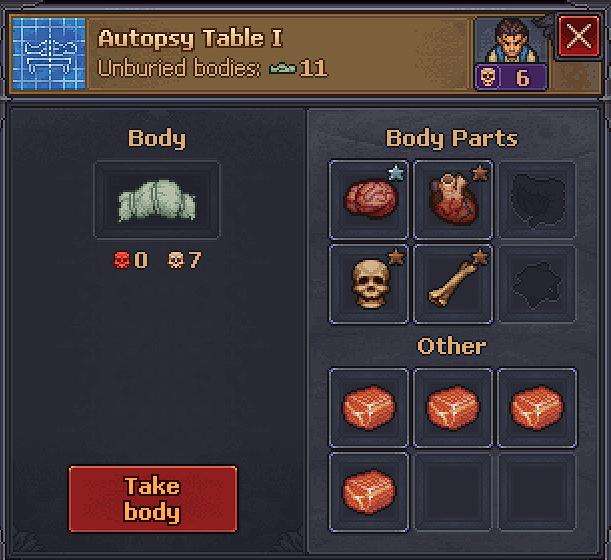
Start by examining the corpse’s organs and identify which parts are providing the Red Skulls.
For example, the Brain, Guts, and Skin may be responsible for the Red Skulls.
- Examine the corpse and identify the body parts providing Red Skulls.
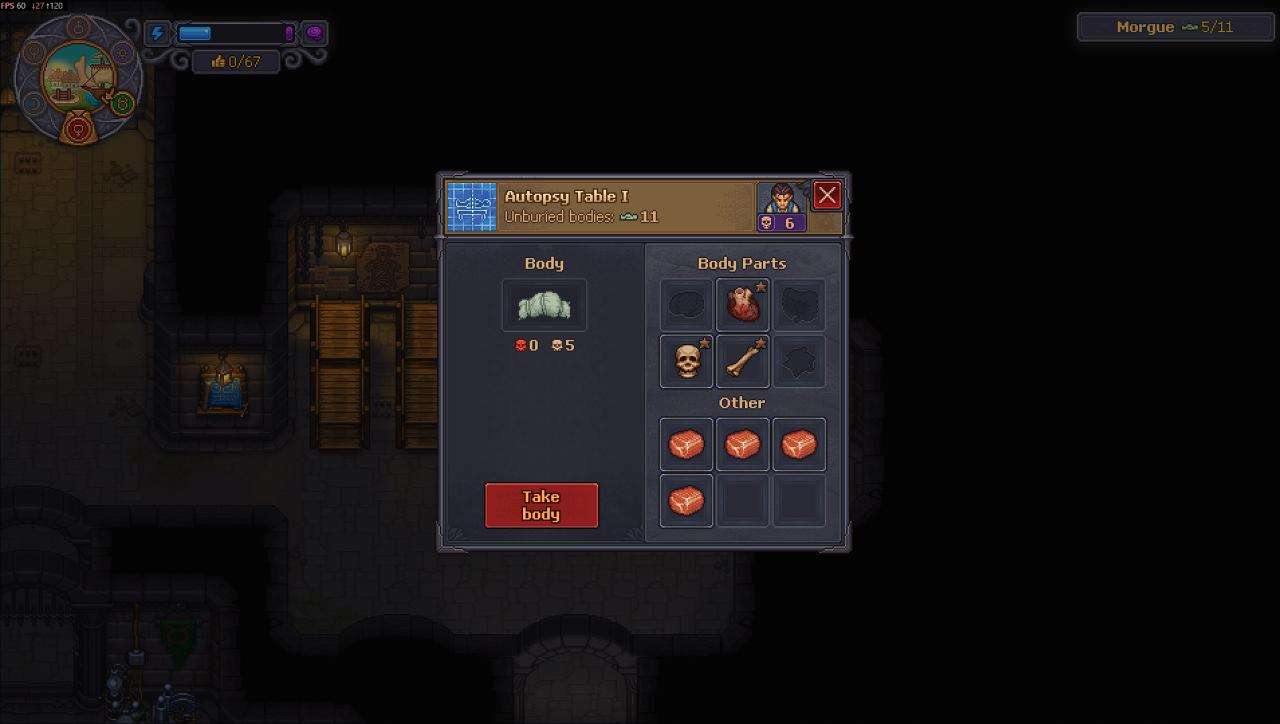
- Remove those parts.
- Harvest the removed parts.
After removing the parts responsible for the Red Skulls, the corpse can have 0 Red Skulls while retaining its White Skulls.
Adding More White Skulls
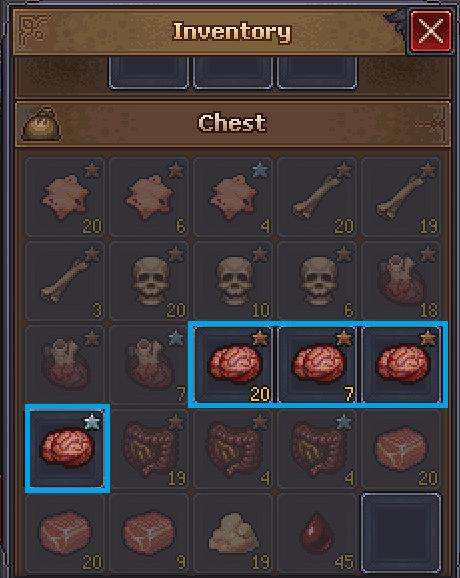
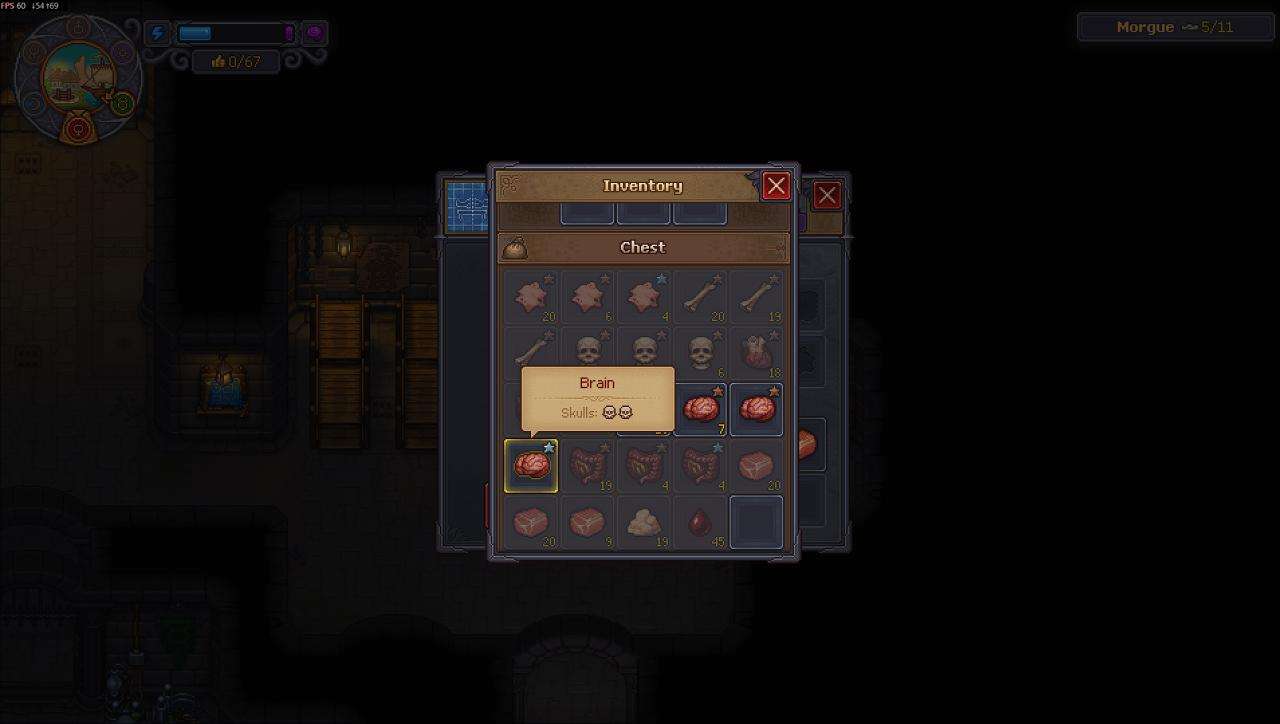
You can improve the corpse by replacing its body parts with previously harvested parts that have White Skulls.
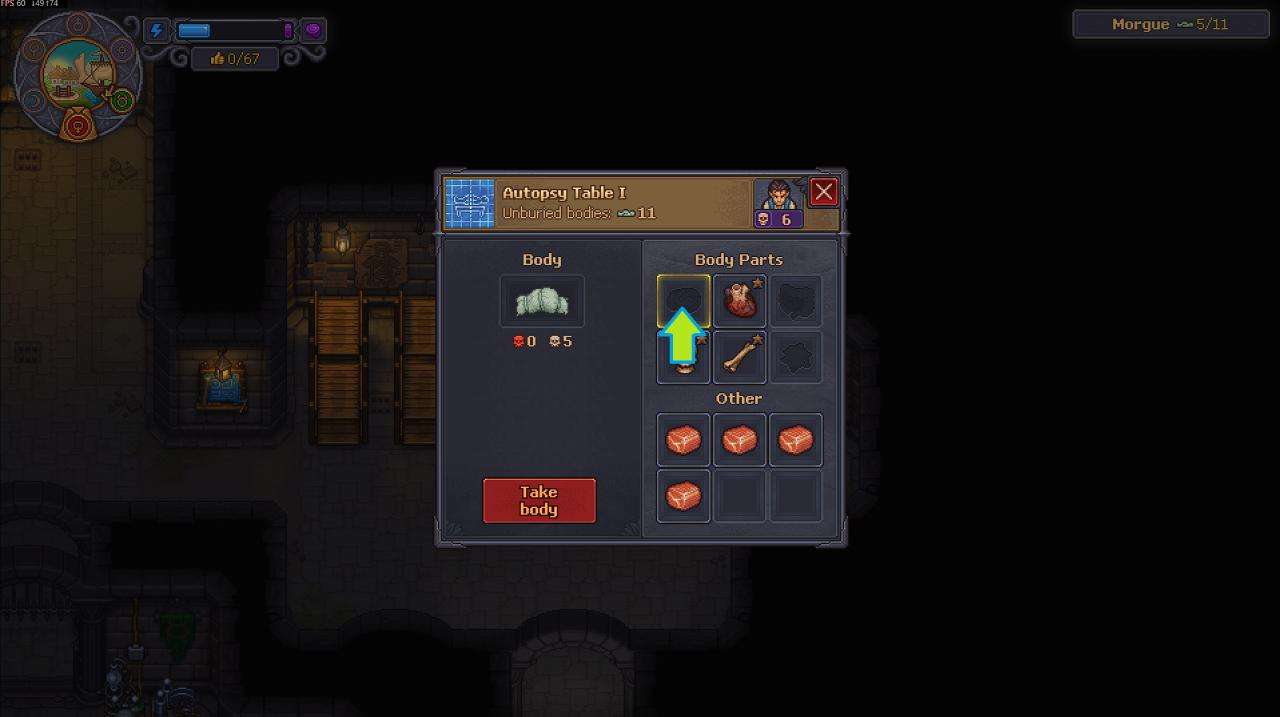
- Click on an empty body part or organ slot.
- Look through your previously harvested body parts and find one with White Skulls.
- Select the part and put it back into the body.
- Continue replacing parts to increase the White Skull count.
For example, replacing the Brain with a new one increased the White Skull count by 2.
Red Skull Guide
If you need a zombie with a high number of Red Skulls, such as for a quest or to create a good worker, you can build one by harvesting body parts from multiple dead bodies.
Harvesting Red Skull Parts
Prepare some dead bodies and a storage box for the harvested parts.
- Put a dead body on the table and open it.
- Check the Skull values of each body part, or remove the parts to inspect them.
- Remove the parts that provide Red Skulls.
- Put the removed parts into the storage box.
As a bonus, check the Other section for bonuses and look for a zombie with a high number of Red Skulls there. Set that zombie aside for later.
Assembling a High Red Skull Zombie
Once you have a storage box full of body parts and a suitable corpse with Red Skulls in the Other section, you can assemble a zombie with 8 Red Skulls or create a good worker.
- Return to the table and click on one of the empty body part slots.
- Scroll down to the storage box and check which available part has the highest Red Skull value for that section.
- Fill the zombie back in with the best available parts.
- Once the body is completely filled, take it to the Resurrection table.
- Pull the lever to resurrect the zombie.
Collar Limits
Each collar has a limit on how many Red Skulls it can have:
| Collar | Red Skull Limit |
|---|---|
| Bronze Collar | 5 |
| Gold Collar | 10 |
| Steel Collar | 99 |
For an 8 Red Skull quest, there is no need to go above 8 Red Skulls. Fill the remaining slots with parts that do not provide Red Skulls.
If you cannot remove a body part because of your current skill level, you may need to leave that part in place for now.
Embalming
Once you unlock the embalming station, you can replace resources such as Meat and Fat with Red Embalming Fluid.
Red Embalming Fluid acts as a substitute for those chance-based resources on a corpse. It increases the Red Skull count while lowering the White Skull count.
Different tiers of embalming have lesser or greater effects and require the late-game embalming bench.
A body can have up to 6 embalming procedures performed on it.



Be the first to comment